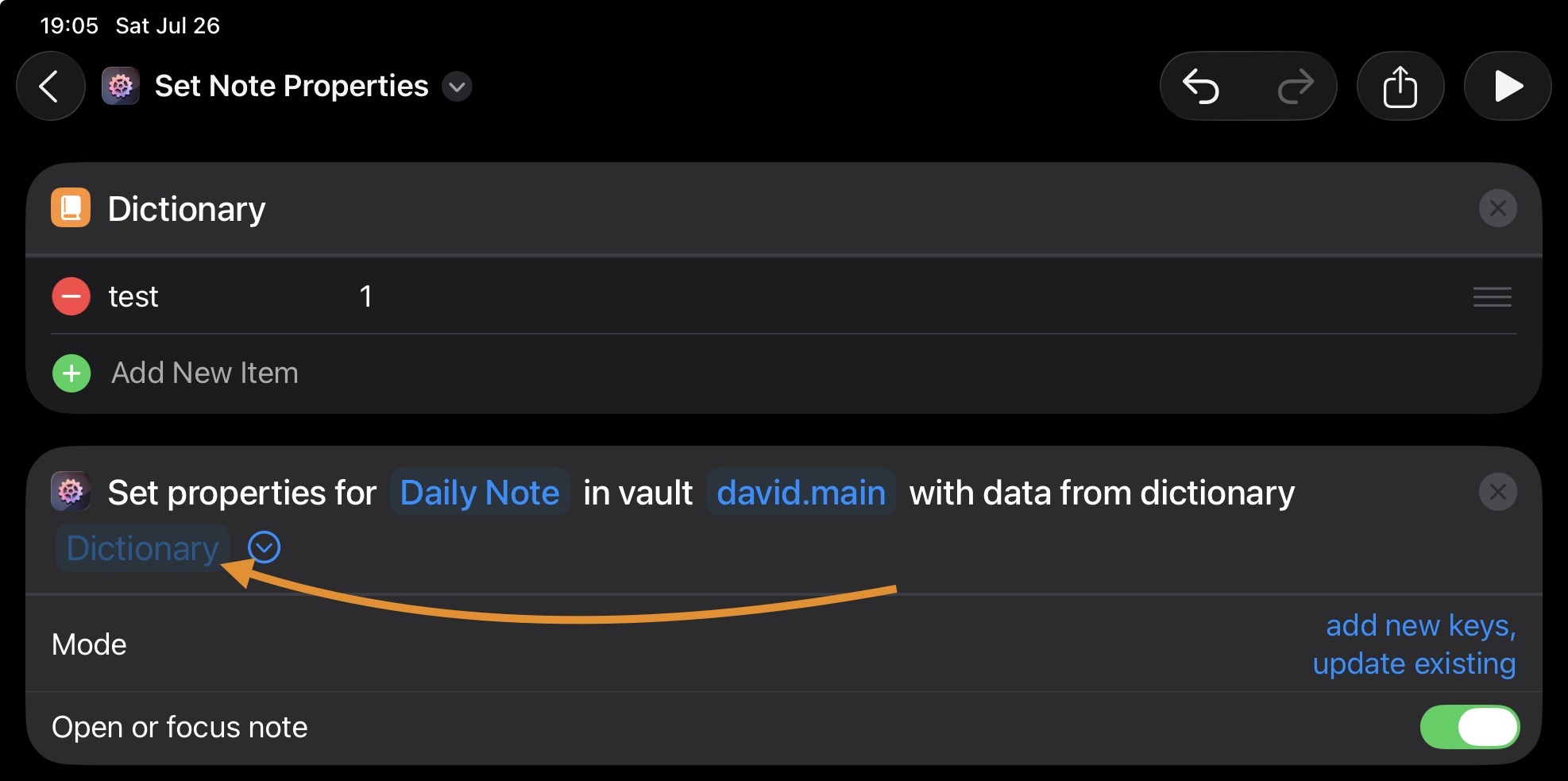
Hi there, noob question;
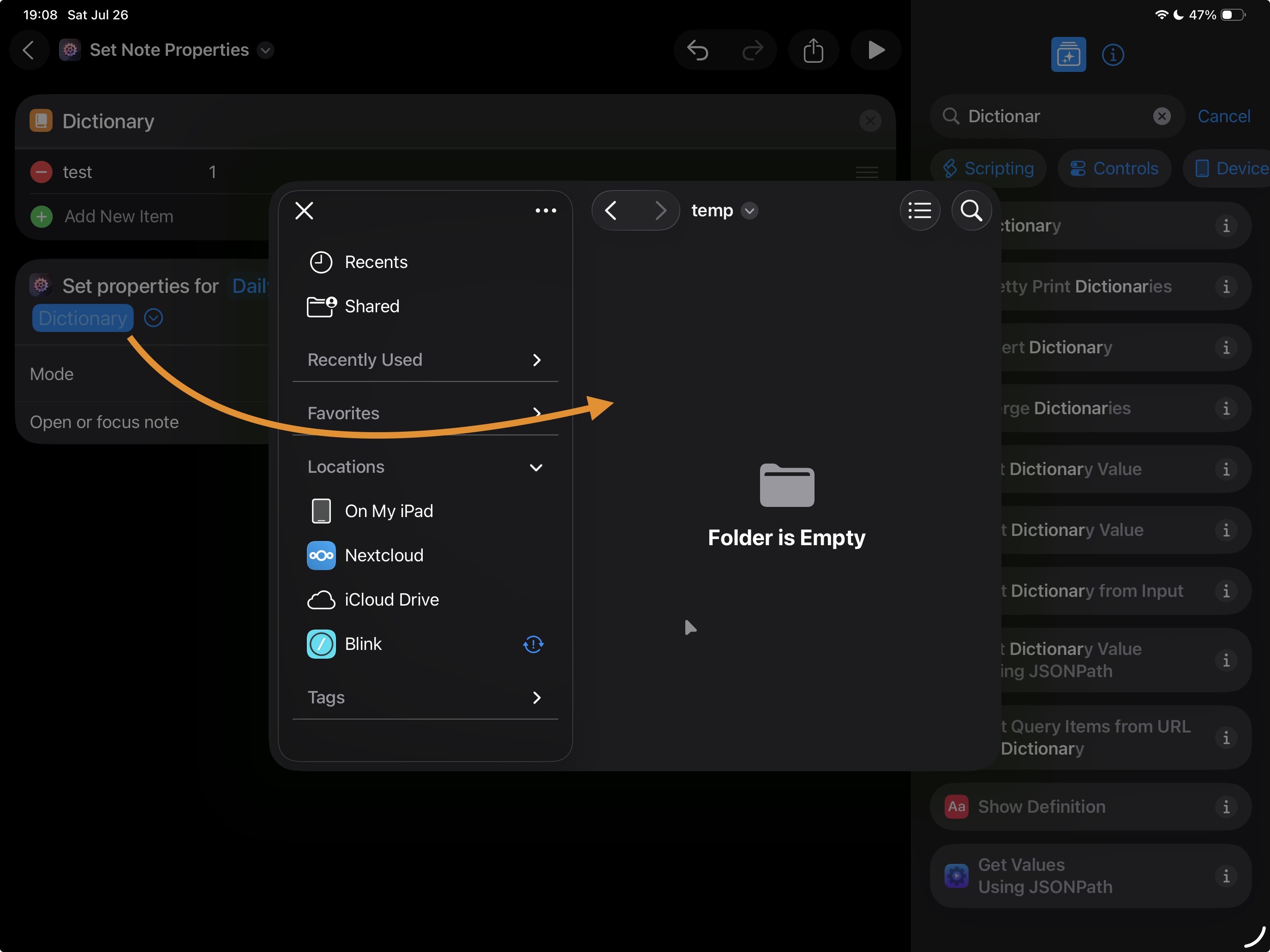
Please advise how to solve this, whenever i try to select the Dictionary, the “Apple Files/Folders” dialog pops up and asks me for a file/path.
I expected i could just pass in the Dictionary that i specified in the Shortcut, above?
Thank you.
1
2
Hi @0xDude, welcome to the forum!
What you’ve discovered is one of (the many) Shortcuts ideosyncracies. Clicking/tapping the “Dictionary” parameter will bring up the file dialog but long-tapping (just like in any other parameter input across Shortcuts) lets you pick any of the existing variables and prior-action results:
Explanation: Under the hood, Shortcuts passes dictionaries between actions as temporary JSON files. That means that you could use any JSON file that has the right structure as value for any given dictionary parameter. For some reason, someone at Apple likely considered this the most common use case and so now the file dialog comes up when you just click/tap that parameter.
Did that help?
1 Like
Thank you for the detailed explanation @czottmann
Dear god, that’s a bad UI / UX by Apple…
PS. Maybe consider to somehow highlight it in your Docs / the info popup in Shortcuts. I see you mentioned it now, but i looked over it because there’s quite a lot of text there.
But, might just be me 
Thank you and have a nice day 
1 Like
Maybe consider to somehow highlight it in your Docs / the info popup in Shortcuts. […] there’s quite a lot of text there.
There is, isn’t there? I worked those info texts over so many times, trying to find the right balance between “short and sweet, pros know what’s up” and “enough details to give beginners a chance”, it ain’t easy
Also (important!): The more rounded the in-action docs are, the higher the likely success rate down the line when we can use Apple Intelligence to have it build Shortcuts workflows for us.
That said, I know the in-action docs are dense but they are also the source for the much nicer formatted web-based docs: Actions for Obsidian › Actions › Set Note Properties — ActionsDotWork. Docs
1 Like