The ListenBrainz channel scrobbles your recognized tracks to your ListenBrainz profile, LB being the open-source music listening history service run by the MetaBrainz Foundation.
Automatic scrobbling
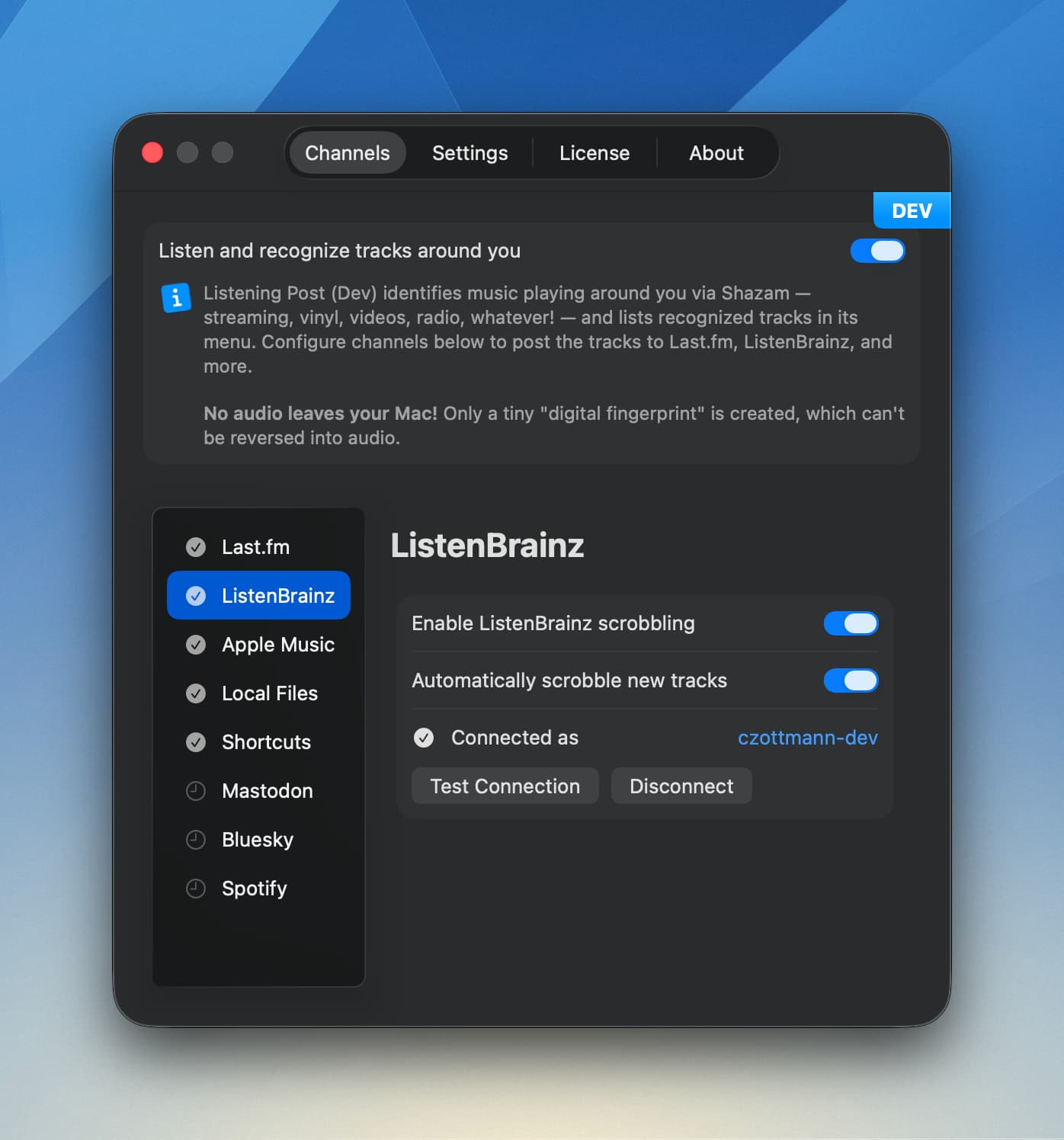
When enabled, tracks are scrobbled automatically once the publishing delay is over. You can disable automatic scrobbling and scrobble individual tracks manually from the track menu instead.
Configuration
Find the configuration in the Channels tab → “ListenBrainz”.
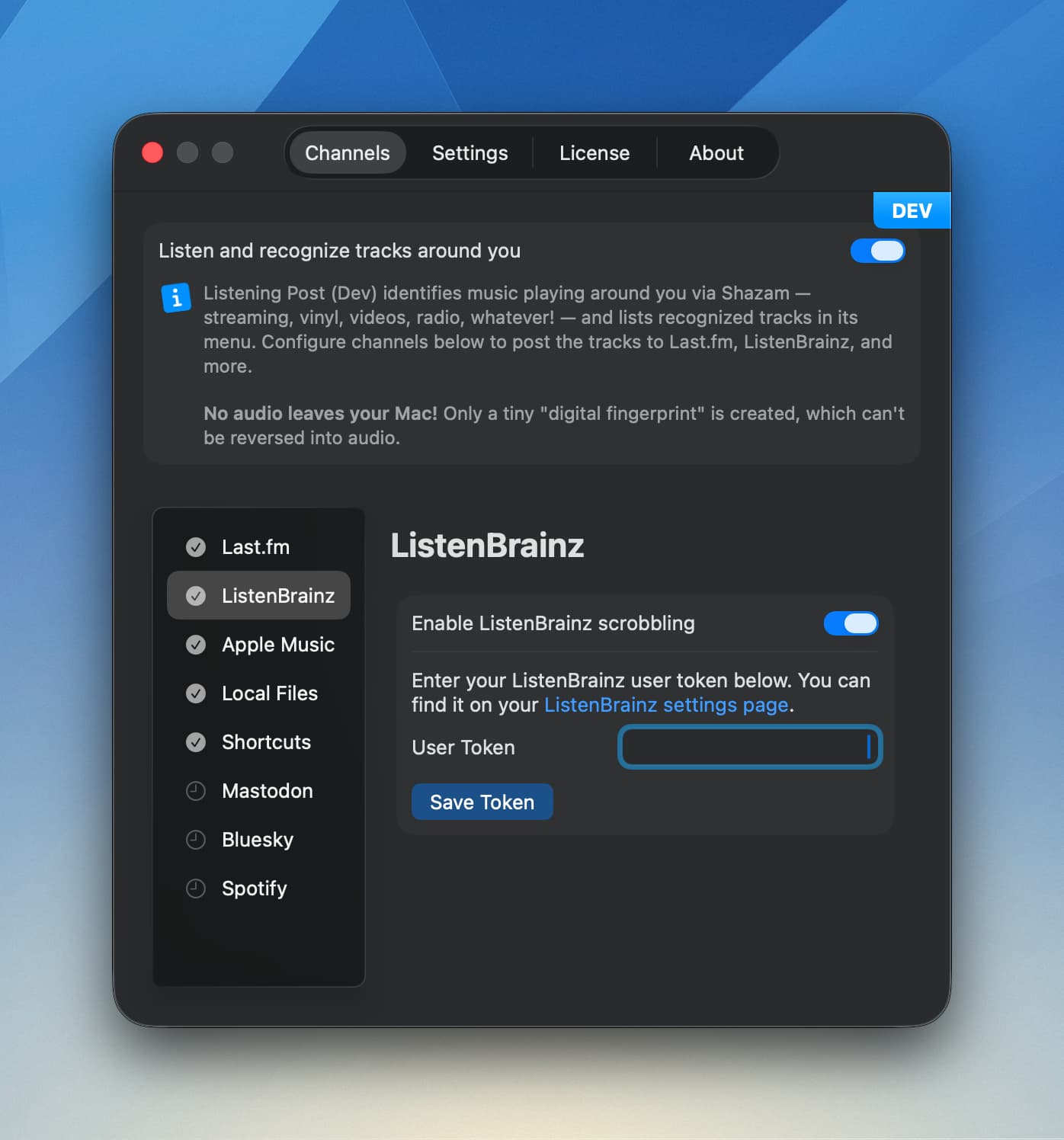
You’ll need your User Token from your LB settings page. Copy-paste it into the token field and click “Save Token”—that’s it. No browser authorization flow needed.
Once connected, you’ll see your username and can test the connection or disconnect.
Track menu actions
The track menu gives you quick access to ListenBrainz-specific actions:
- Show track on ListenBrainz: Opens the recording page in your browser
- Copy ListenBrainz track link: Copies the URL (plain or Markdown-formatted)
- Scrobble track: Manually send the track to LB if auto-scrobbling is off (only available after the publish delay)

Liking tracks
When you like a track in Listening Post, it’s also marked as “loved” on ListenBrainz. Unliking removes the love. This only works for tracks that have a MusicBrainz recording ID (most do, after enrichment).
Please note: There’s no sync back from LB. If you manually love a track on the site, LP won’t know about it. Same thing if you unlove a previously loved track there: it’ll remain loved in Listening Post.
Deleting listens
When you forget (delete) a track in Listening Post, the corresponding listen is also deleted from your ListenBrainz history. This keeps both in sync.
Please note: There’s no sync back from LB. If you manually delete a track from your ListenBrainz feed on the website, LP won’t know about it.