The Rocksky channel scrobbles your recognized tracks to Rocksky.app, and AT-Protocol-powered scrobbling service.
Automatic scrobbling
When enabled, tracks are scrobbled automatically once the publishing delay is over. You can disable automatic scrobbling and scrobble individual tracks manually from the track menu instead.
Configuration
Find the configuration in the Channels tab → “Rocksky”.
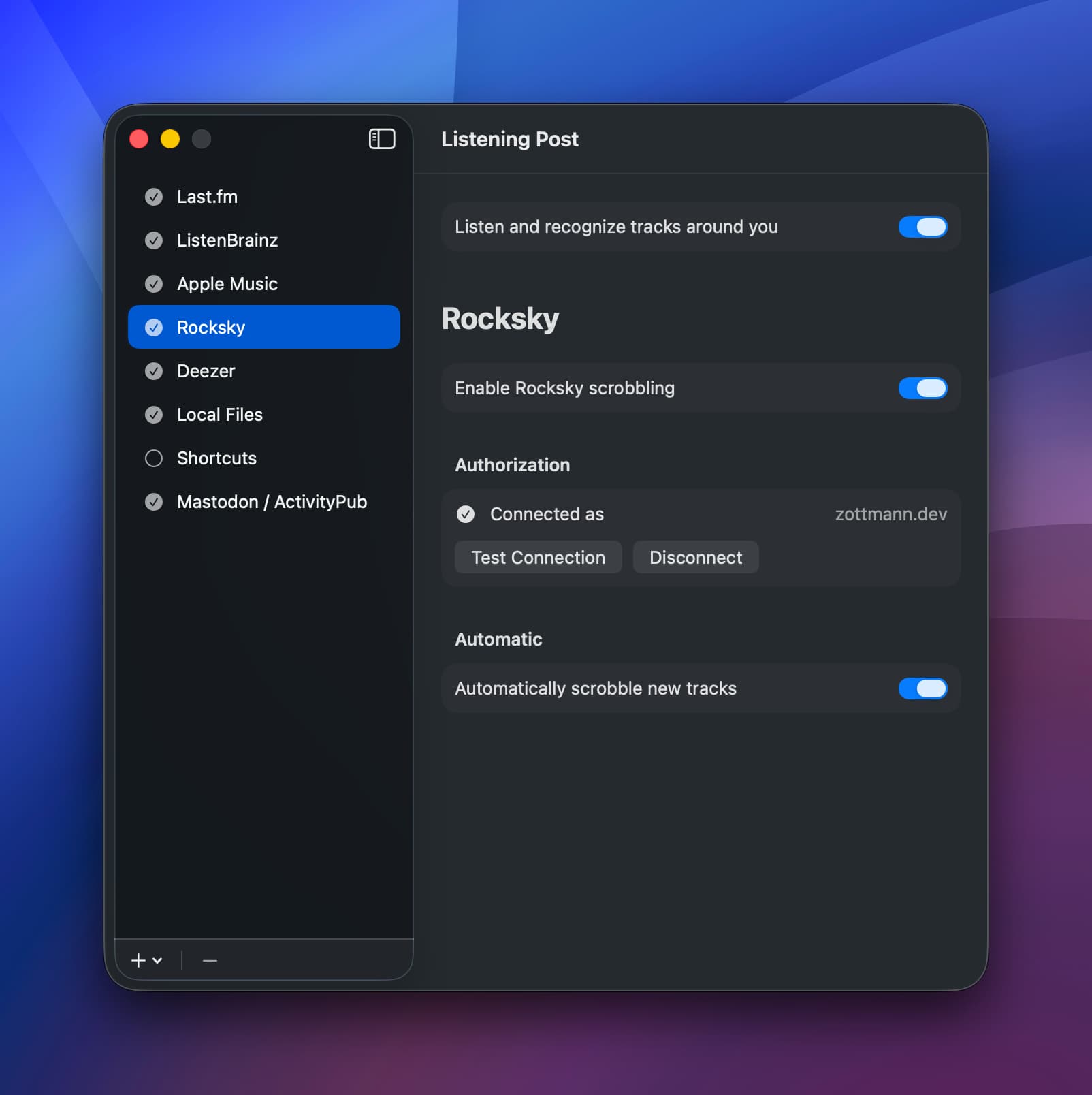
You’ll need an API key from your Rocksky API Applications page. Copy-paste it into the API Key field and click “Save Key”—that’s it. No browser authorization flow needed.
Once connected, you’ll see your username and can test the connection or disconnect.
Track menu actions
The track menu gives you quick access to Rocksky-specific actions:
- Open track: Opens the recording page in your browser
- Copy link: Copies the URL (plain or Markdown-formatted)
- Scrobble track: Manually send the track to RS if auto-scrobbling is off (only available after the publish delay)
 Important
Rocksky currently doesn’t offer a way to get a track’s link before the track was scrobbled. This means it’s impossible Listening Post to show Open/Copy actions until the track was sent to Rocksky.
Additionally, there’s a delay on the server between scrobbling a track and being able to look up that scrobble (to get a track link). That delay might be longer than the timespan LP allows for the lookup — so even if a track was successfully scrobbled, LP might not be able to fetch its link from the server in time.
Finally, there is no “delete scrobble” endpoint in Rocksky’s API, so LP can’t undo scrobbles for you.