Welcome back @czottmann – Hope you enjoyed your well-deserved break and had a good start into 2026!
Now onto the issue:
I have expanded your original Email to Note script a bit to include “sender”, “to-recipient”, and “cc-recipient".
This is then picked up in Shortcuts and the most of the meta information filled into the note properties:
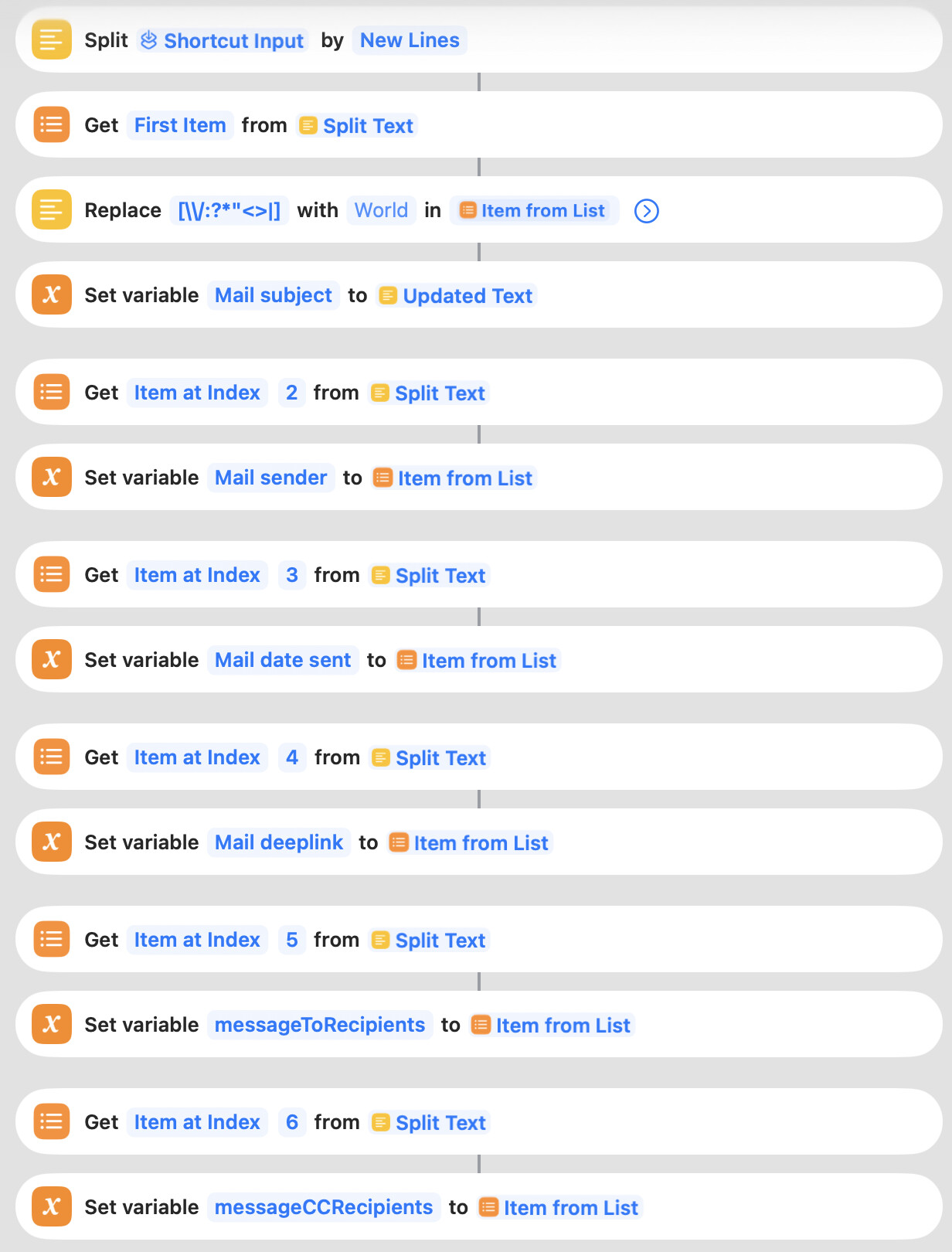
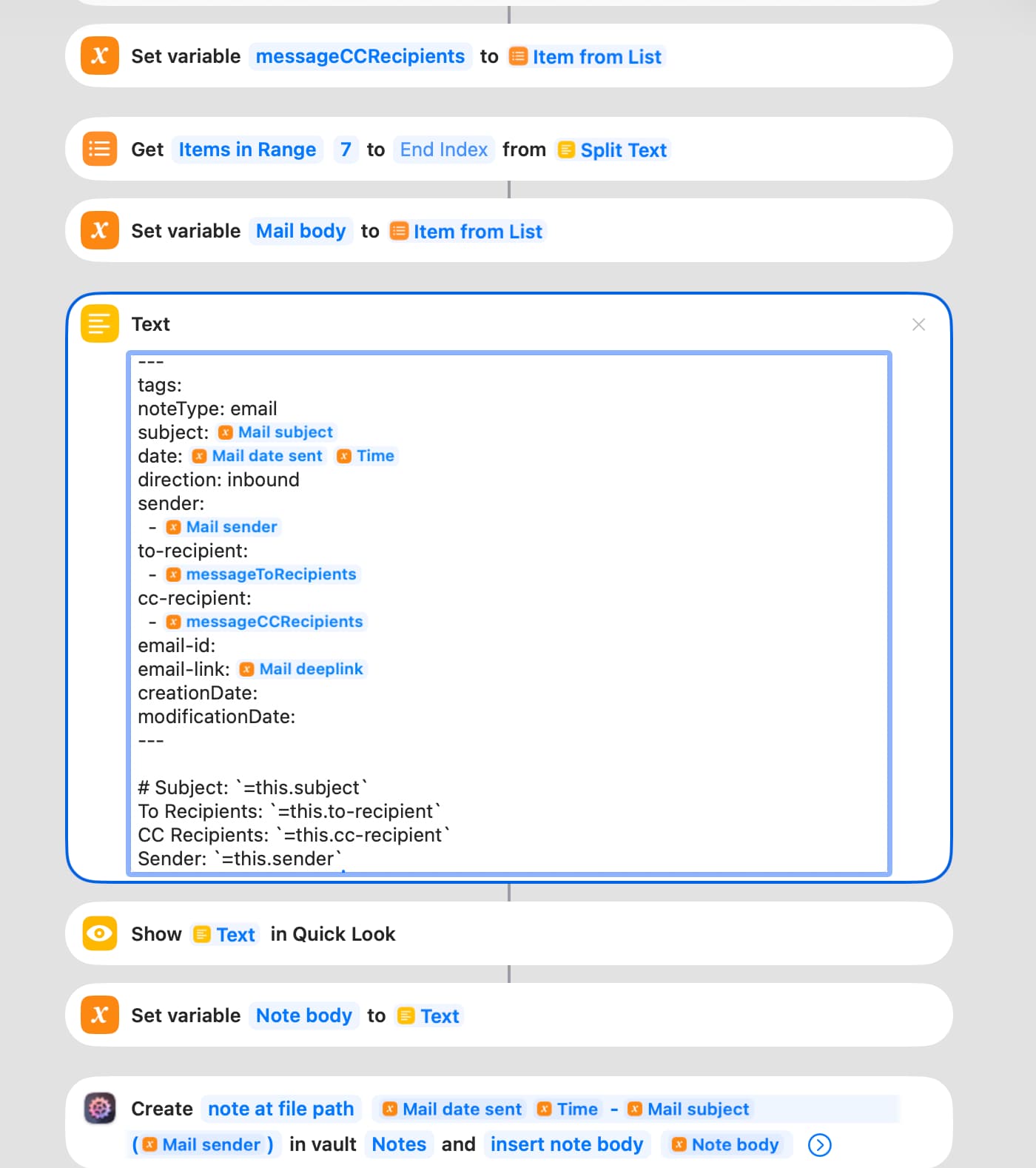
These properties are the referenced in the note body to have a clean display while being able to query the meta data easily.
My question is then the following: How can I replace an email address (be it sender, to recipients, or cc recipients) with a link to a person’s note.
The desired behaviour is for the email address to be replaced with a link to a note followed by the email address e.g. john@doe.com becomes “[[John Doe]] (john@doe.com)”. And the fallback for people, I don’t have a contact note for, to simply stay the email address.
Looking into it, it seems that a solution would be to create a table from my contact notes mapping names against email addresses:
- Check all contact notes
- Create table of name and email address, e.g. John Doe – john@doe.com, John Doe – john.doe@doe.com
- Replace email address from email received with composite of link to note and email
But I’m a bit stuck on how to do this and how to include it into this shortcut.
So any help would be appreciated!
(FYI, I had tried to put the Appel Script code in here but got an 403 error)