I get this pop-up to tell me why my action does not work. I am trying to create an Obsidian note in a specific file. Not sure what a helper application is.
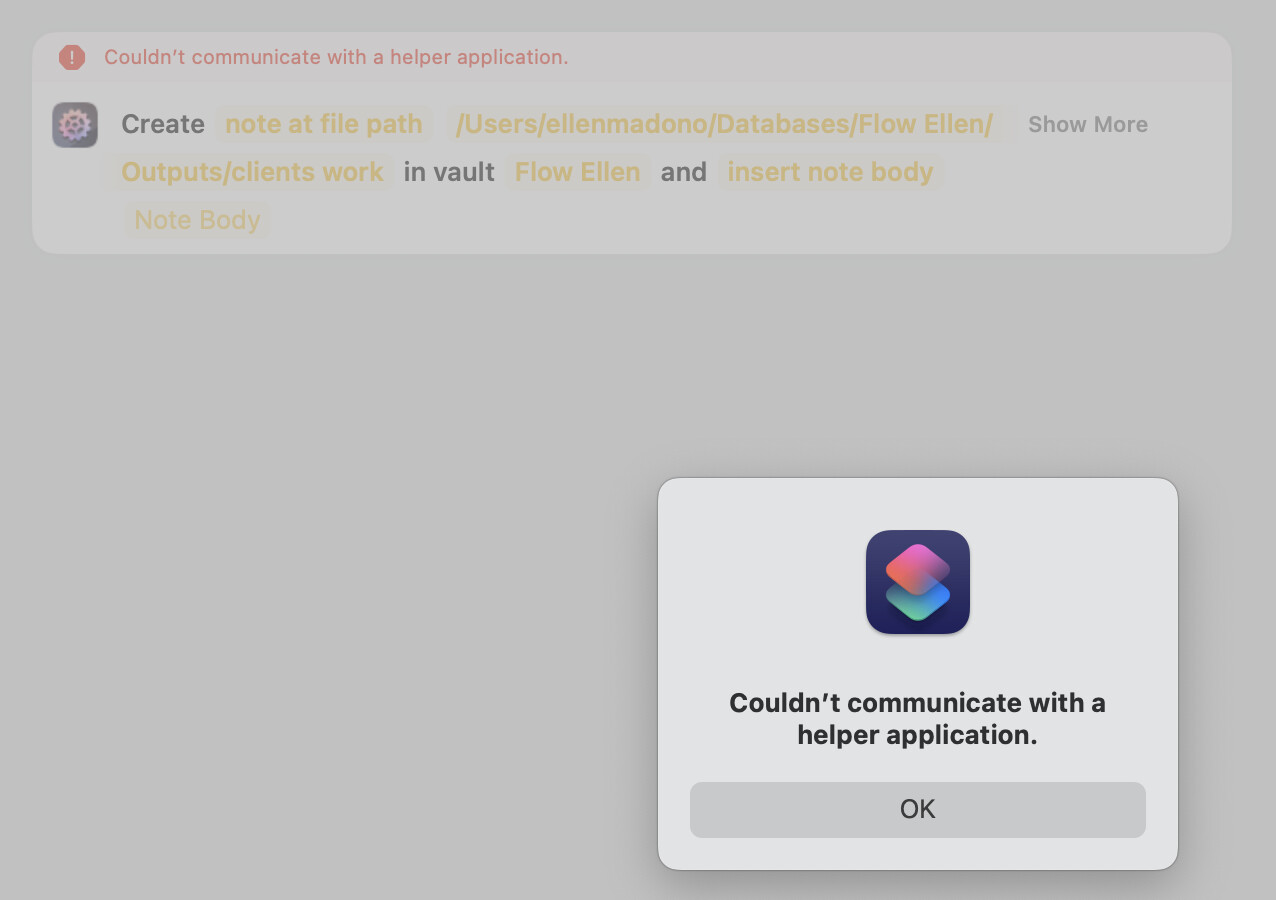
I’ve seen this happen if the app was just updated but the App Store update didn’t fully quit all process belonging to AFO in the process. Either reboot the device or open the Activity Monitor app, search for “Actions For Obsidian”, and force-quit all processes. Then try again.
To be honest, rebooting is probably the better option because I’ve also seen Shortcuts have issues with the app in question even when it was manually force-quit. 
Did this happen after an app update?
Yes, I just updated. I rebooted and the shortcut worked, but not the way I wanted it to. It opened up a note that is the title of the folder that I wanted to open.
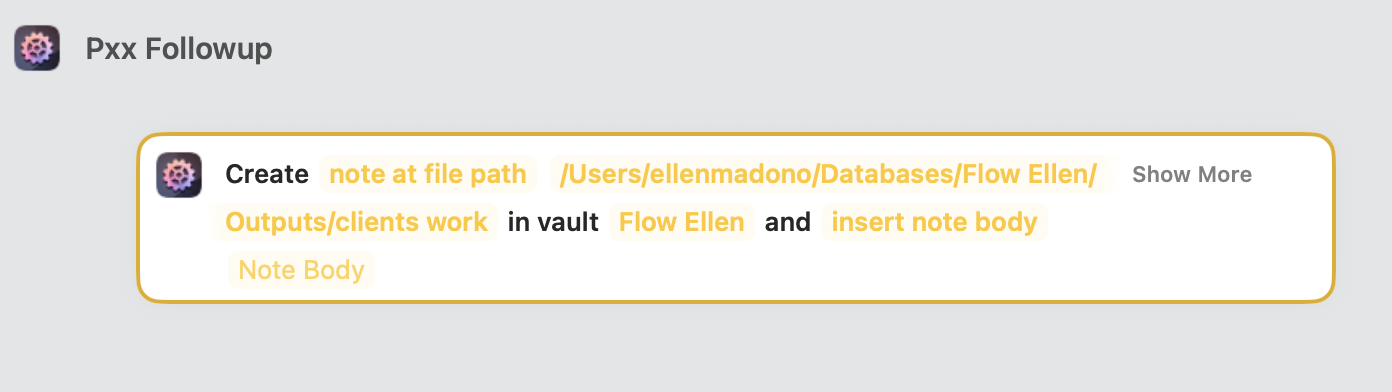
If I could get that folder to open up, that would be better. Is there any way to do that? The title of the file that opened in this case has a lot of variation depending on what I see in the folder. I don’t want to write the note body and the title of the file until I see the folder.
If I could get that folder to open up, that would be better. Is there any way to do that?
Not with AFO, I’m afraid.
Unless there is a plugin that lets you bookmark folders, and call/open those bookmarks using the command palette, then you might be able to trigger those palette commands using Trigger Command – but I personally don’t know any such plugin, and that’s a lot of "if"s…